Customer
Scan the business QR code
Point the phone camera at the QR on the counter or poster. The business card opens directly in the browser.
How one visit works
Customers scan on their phone. Staff approve in the dashboard. StampClub updates the card immediately.
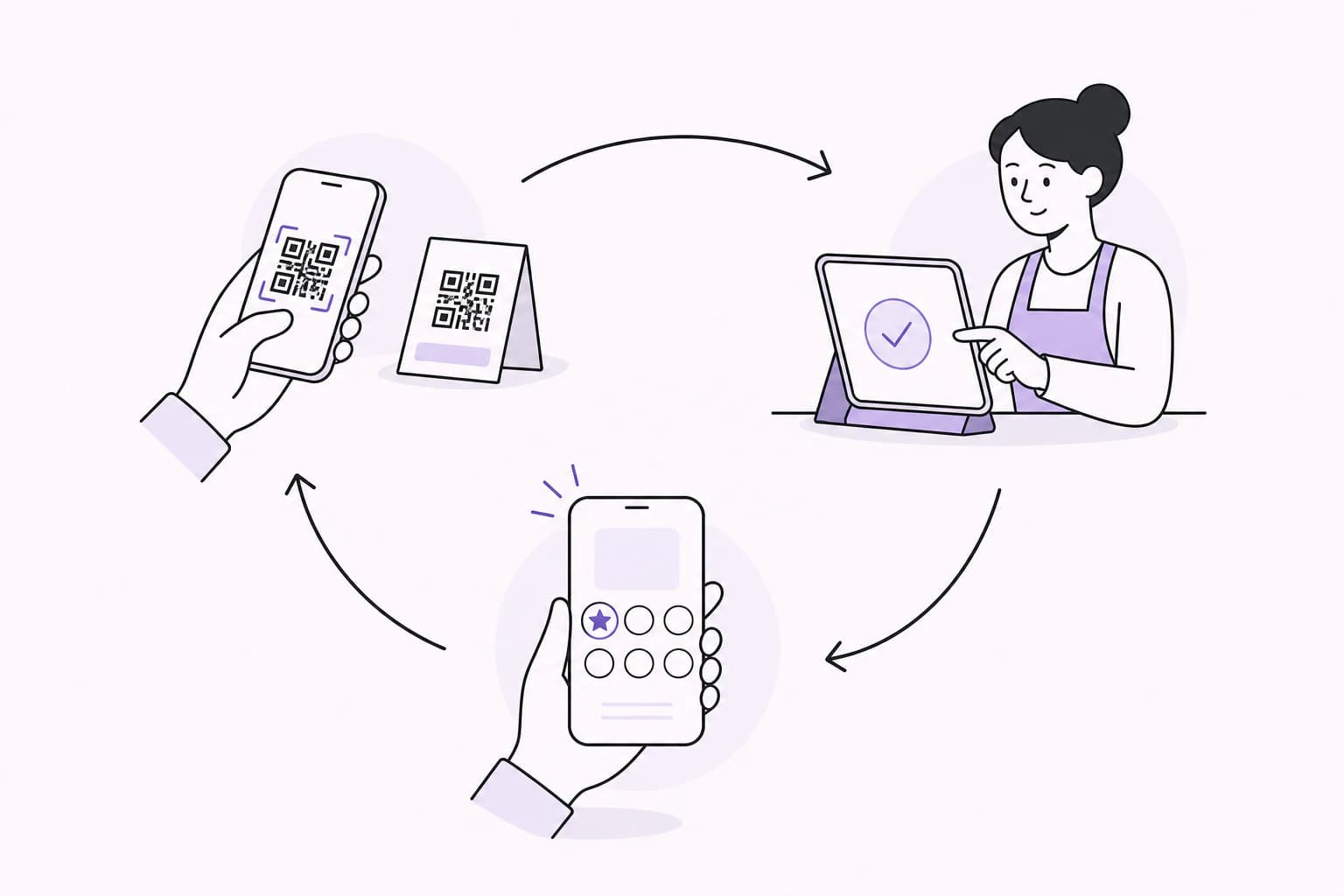
Every customer action has one matching staff action, with a clear result before the visit moves on.
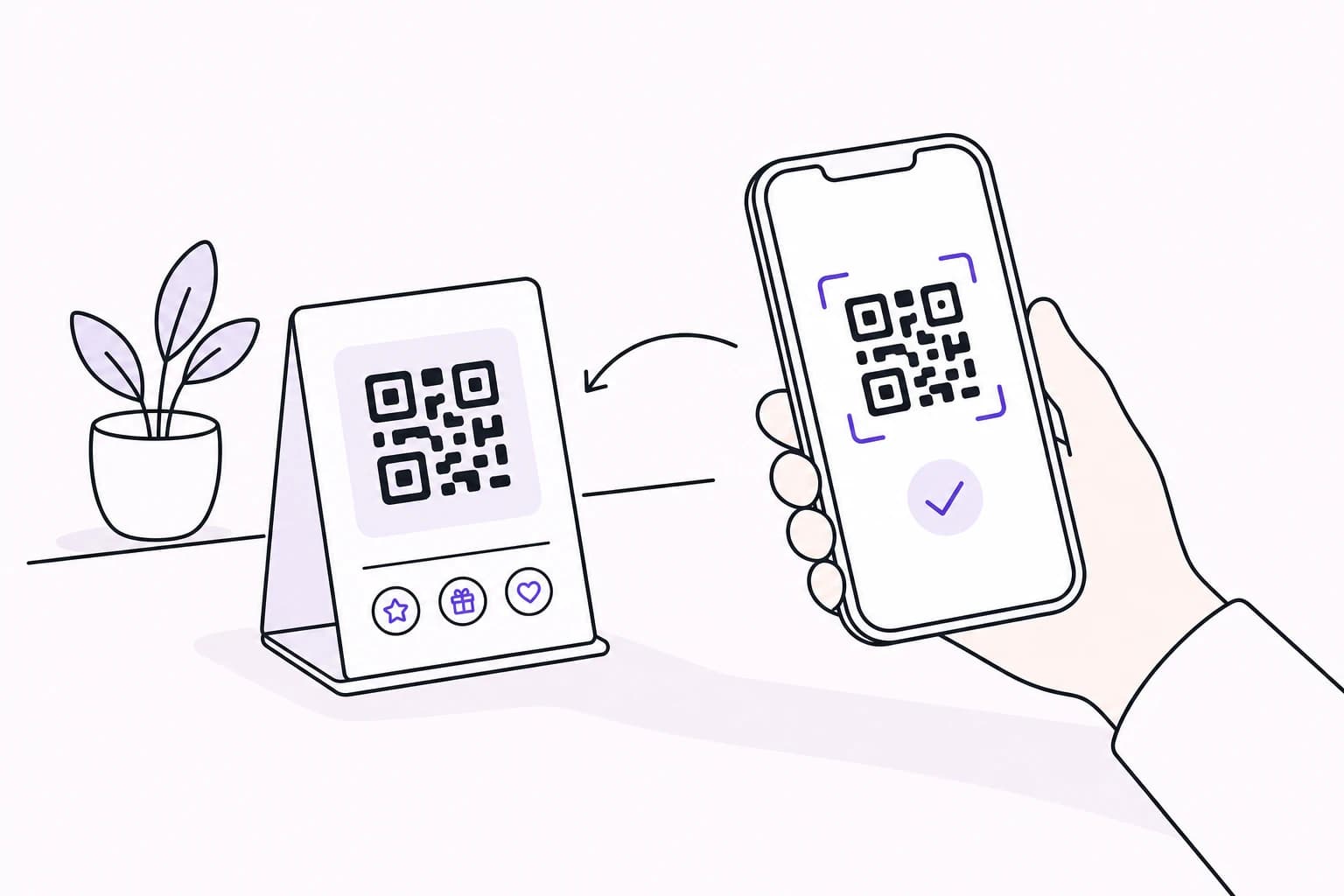
Customer
Point the phone camera at the QR on the counter or poster. The business card opens directly in the browser.
Business
Display one clear QR where customers can reach it. No card reader or special till hardware is needed.
The right business opens on the customer phone
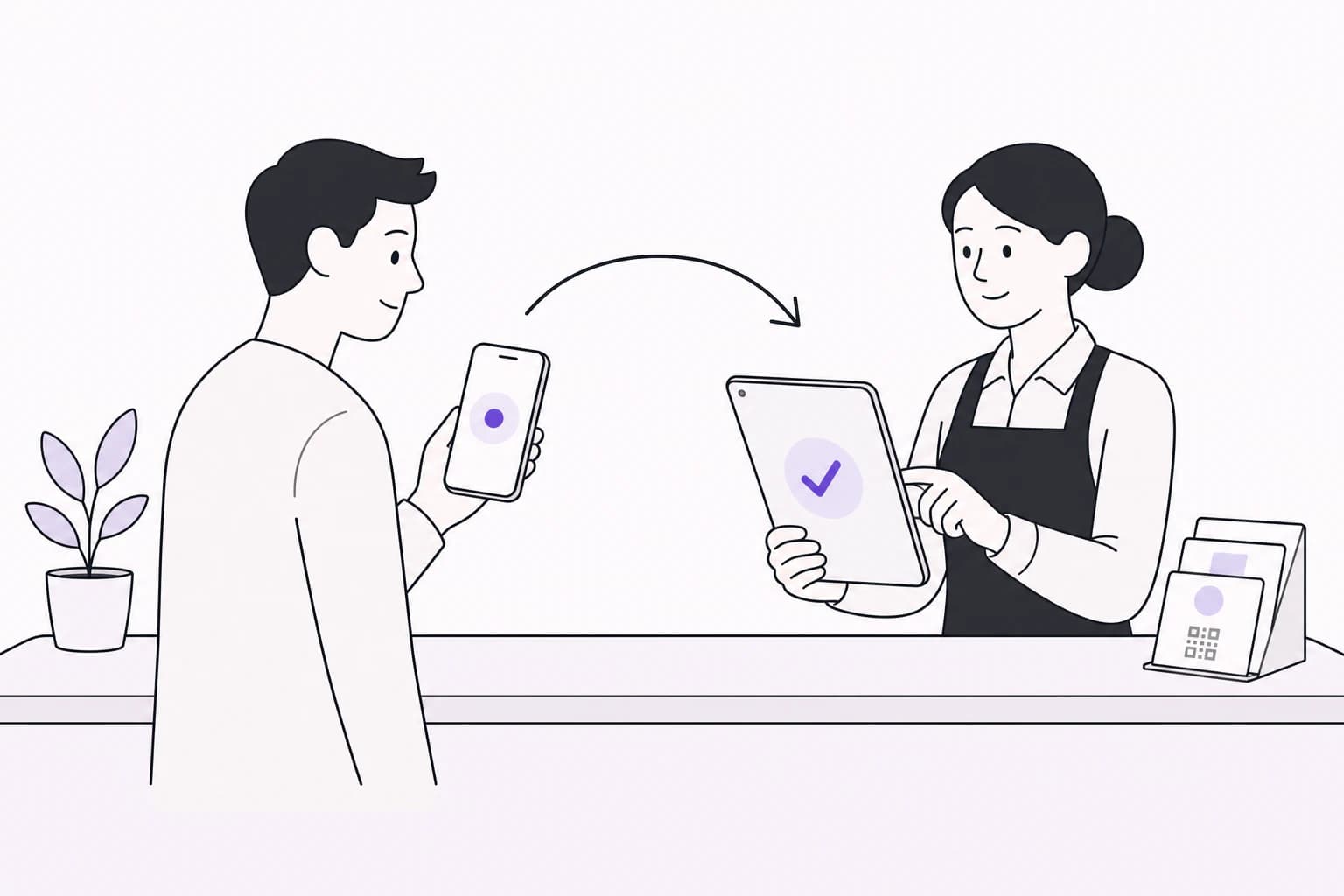
Customer
Join or sign in, then see a clear waiting state while the request reaches the team.
Business
The request appears in the dashboard for the owner or an authorised team member to handle.
Both sides are looking at the same visit
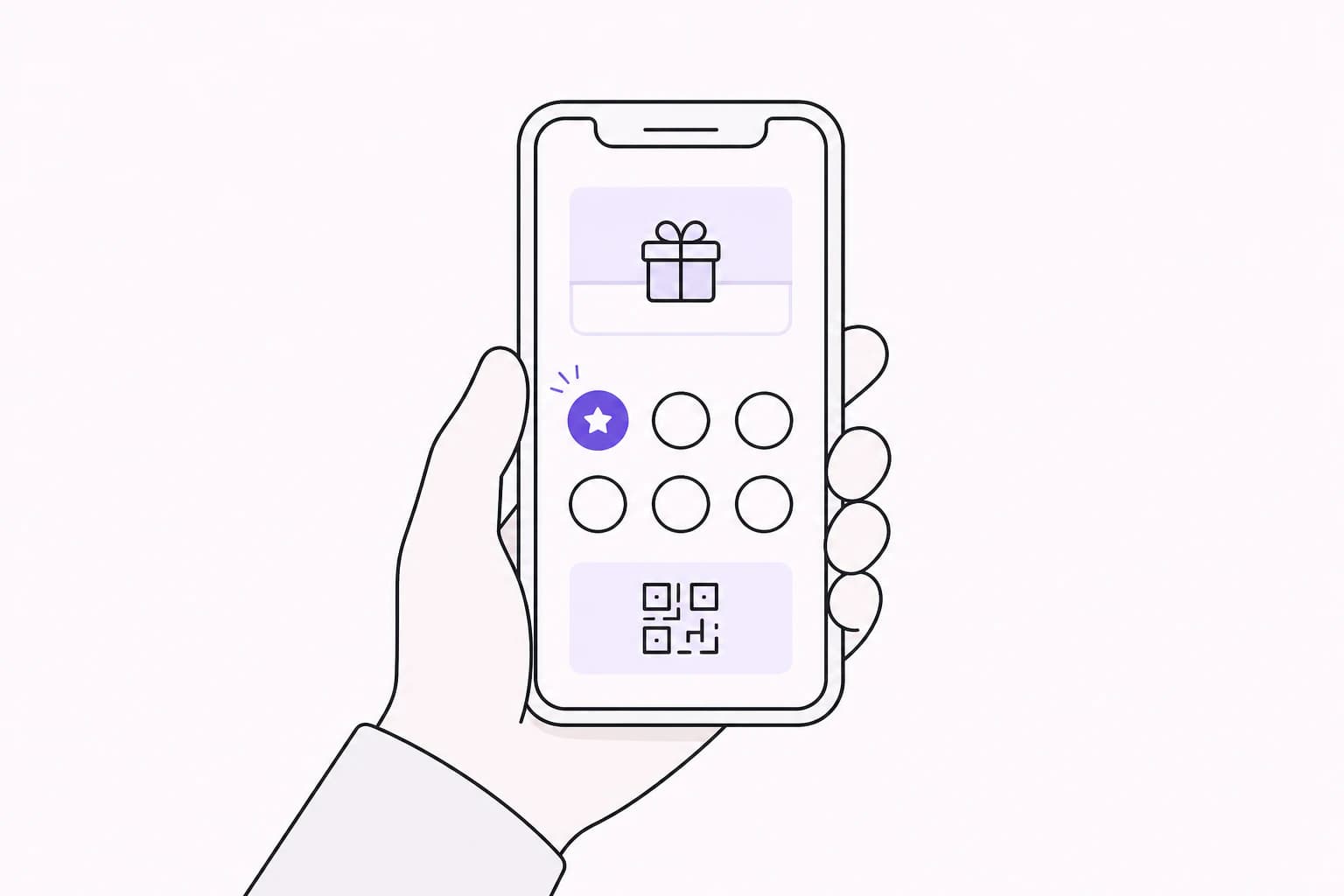
Customer
The card updates as soon as the visit is approved, so progress is visible before leaving the counter.
Business
An authorised team member confirms the request and keeps an accurate record of the visit.
The business approves the stamp, not the customer
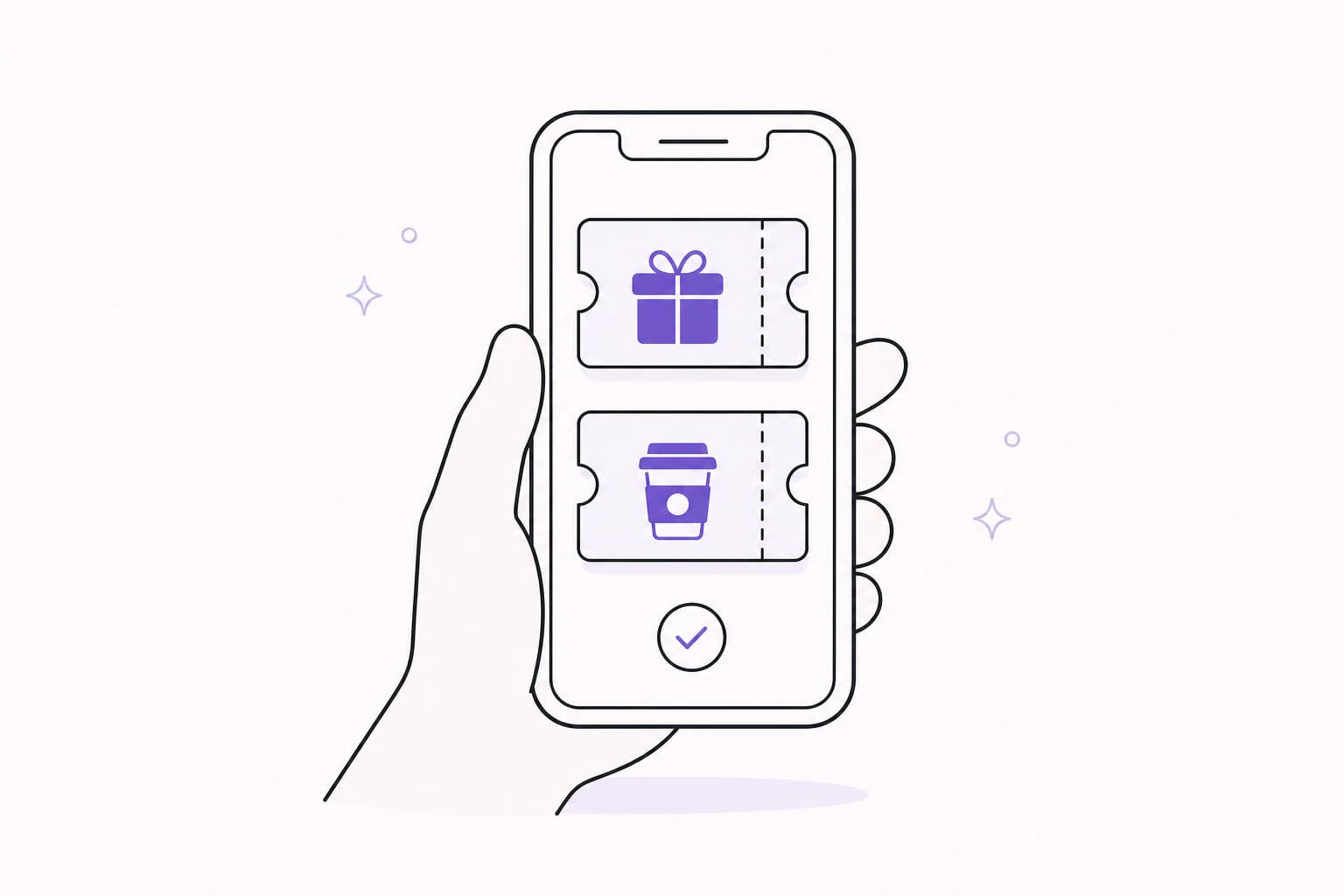
Customer
When a configured milestone is reached, the reward stays in the wallet until it is used.
Business
Staff check the reward at the counter, confirm it once and let the next loyalty cycle begin.
Rewards remain clear, available and accounted for
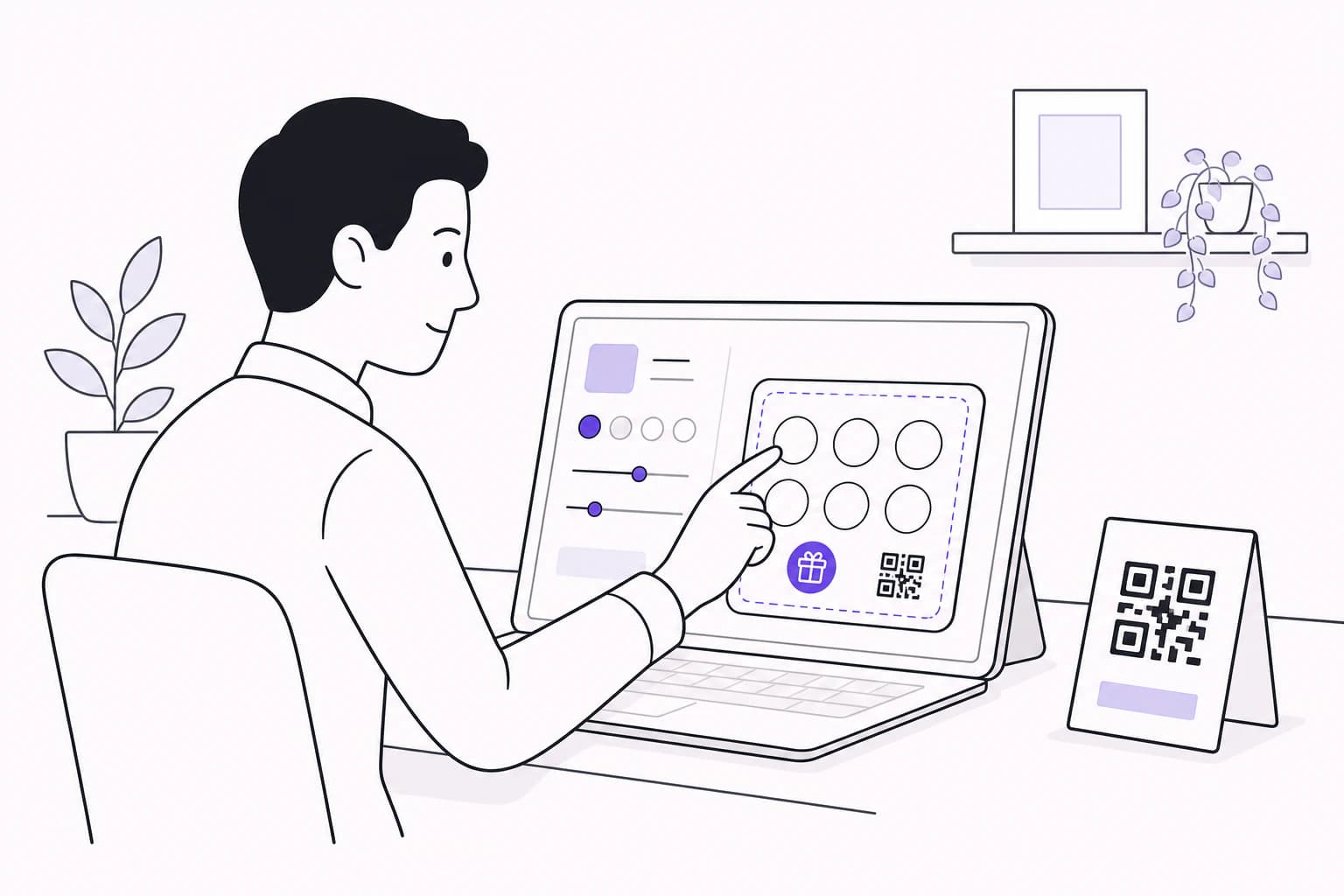
For the business
Set up what customers need to recognise, then put the QR where the team can use it.
Add the name, logo and location details customers should recognise.
Set the stamp target and decide what customers earn when they reach it.
Print the QR, place it at the counter and show the team how approvals work.
The approval is quick, but it keeps the loyalty card accurate for the customer and the business.
Customers request stamps. Authorised business users approve them.
A fresh pending request can be reused instead of creating repeated approvals.
Approval checks the owner or active staff member has the right access.
Approved, declined and cancelled requests each show a clear next step.
Questions, answered
What customers need, what staff see and what happens when the card reaches a reward.
No. A StampClub card opens in a modern phone browser after the customer scans a participating business's QR code. Customers can return to their account later without carrying a paper card.
The customer joins the business and receives a digital card. A business can choose whether that first scan also sends a stamp request or simply welcomes the customer, so staff should follow the setup shown in their dashboard.
The customer card updates as soon as an authorised team member approves the request and both devices are online. The exact time depends on the team and the connection, so StampClub does not rely on a fixed countdown.
A phone, tablet or computer with a modern browser is enough for the dashboard. Customers use their own phones, and the business can display its QR code on a printed poster or another suitable surface.
Scanning creates a request, not a completed stamp. The request must be approved by the business owner or an active staff member with the required permission before card progress changes.
When an approved stamp meets a configured reward milestone, the earned reward is issued to the customer's account. It stays available for the business to confirm when the customer redeems it.
Open your cards or set up a loyalty flow for your business.
See your cards and the rewards you are working towards.
Open my cardsCreate the card, print the QR and give the team a clear flow.
Set up my business