No app. No hardware. No complexity.
Just happy returning customers.
Digital stamp cards for local businesses, right in the browser. Customers scan your QR, your team approves, and their card updates.
30 days free. No card needed.
- Scan
- Approve
- Stamp
Your till
Maya's phone
Tap Approve to try it
Trusted by businesses like yours
How customers earn stamps
From a scan at your counter to a stamp on their card. No app download, no special hardware.
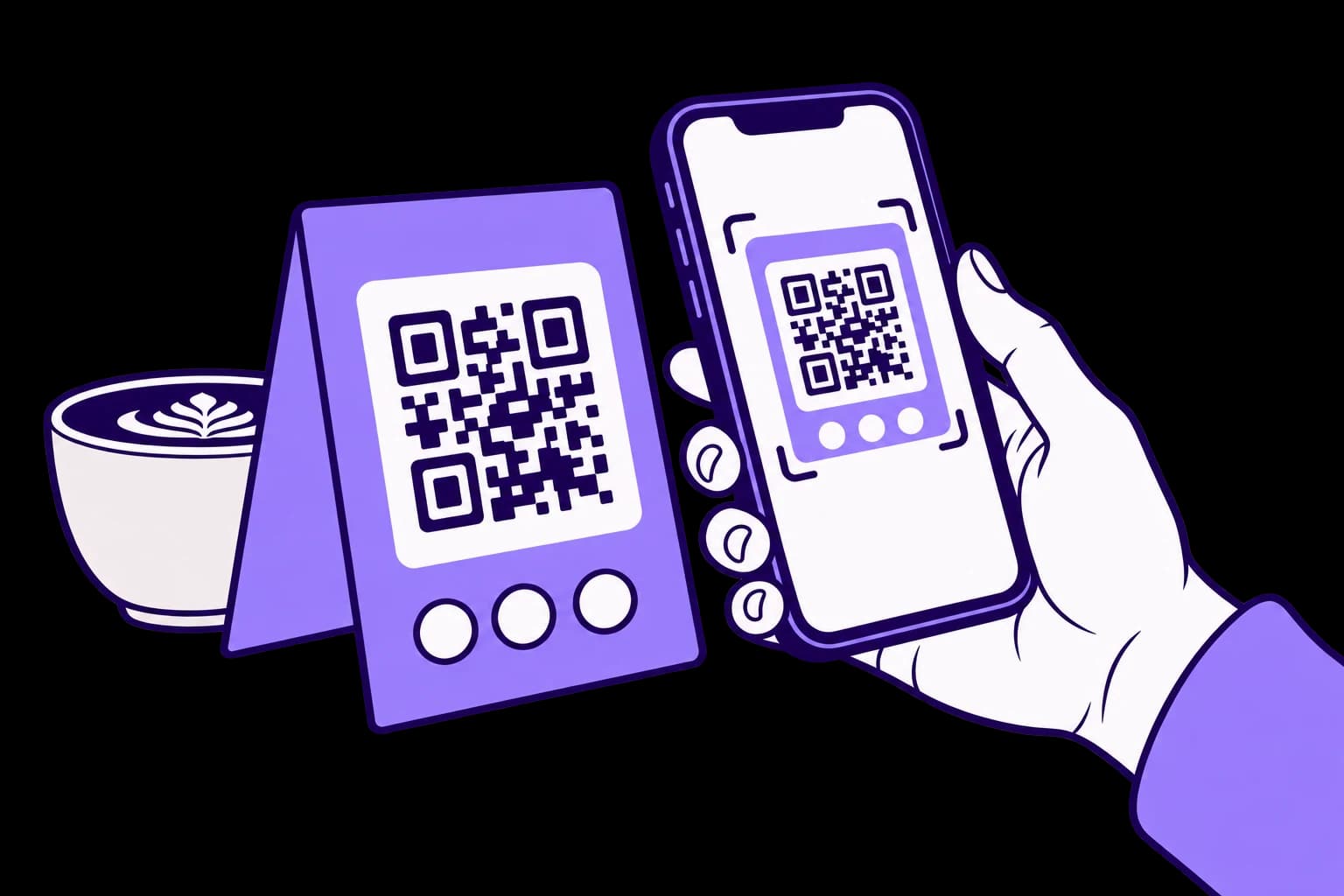
Scan the QR code
Customers scan your counter QR and join or sign in. Their loyalty card opens in the browser.
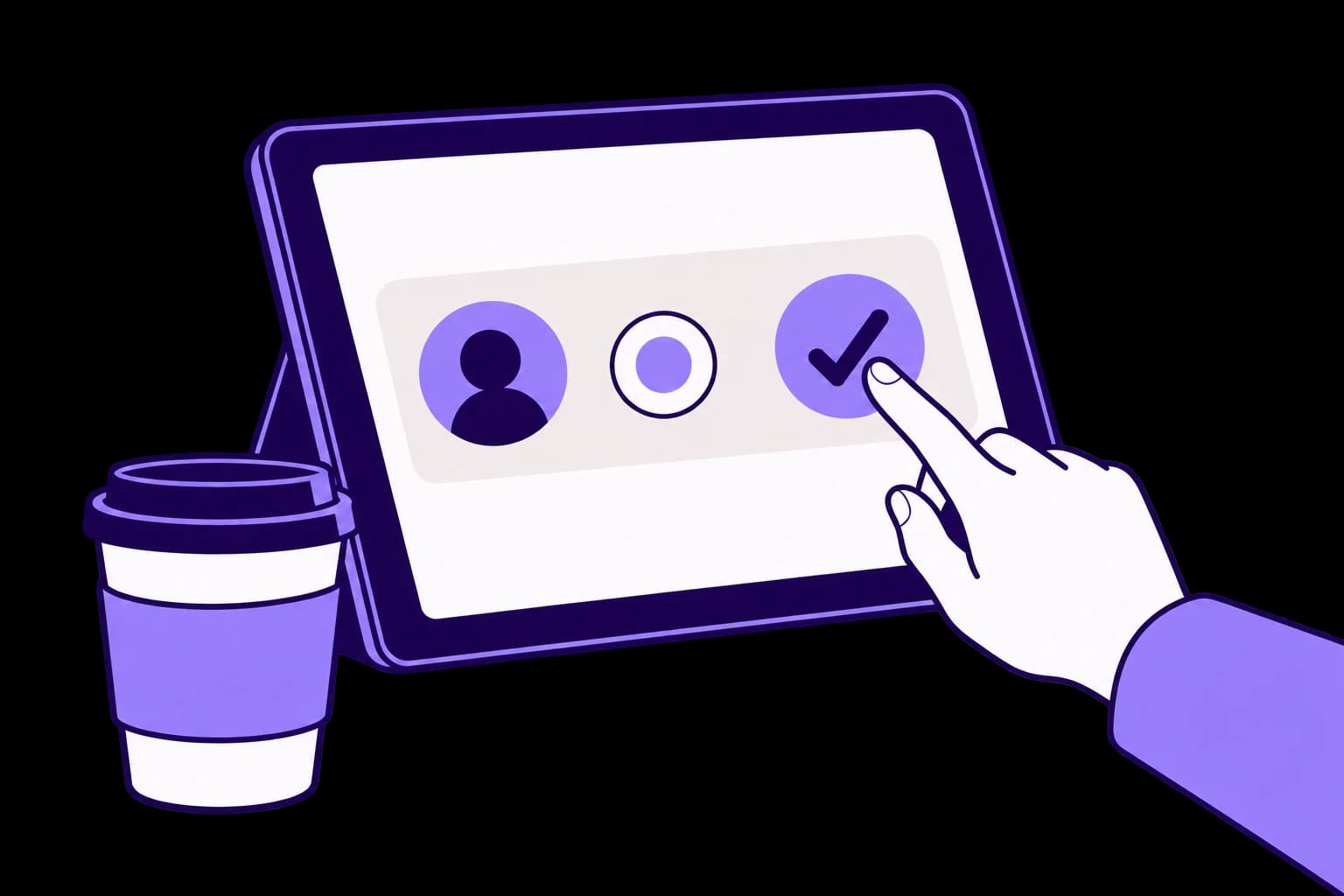
Your team approves
A stamp request appears on your phone, tablet or till. Your team checks the visit and taps approve.
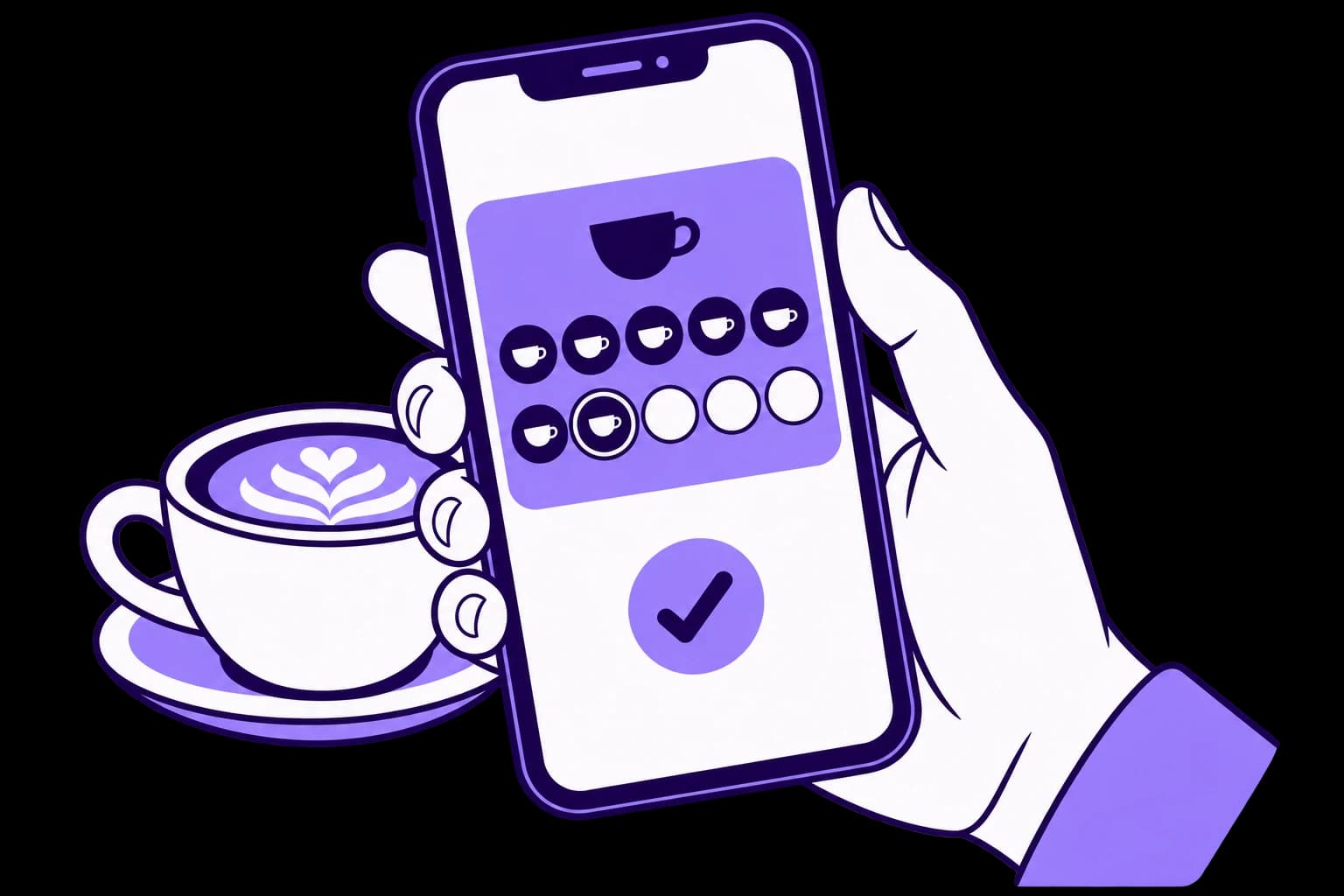
The stamp is added
The card updates as soon as you approve. Customers see their progress towards the next reward.
Automations
Bring customers back, automatically
Six moments in every customer's journey. Switch on the ones that suit you, and StampClub sends them by itself every morning.
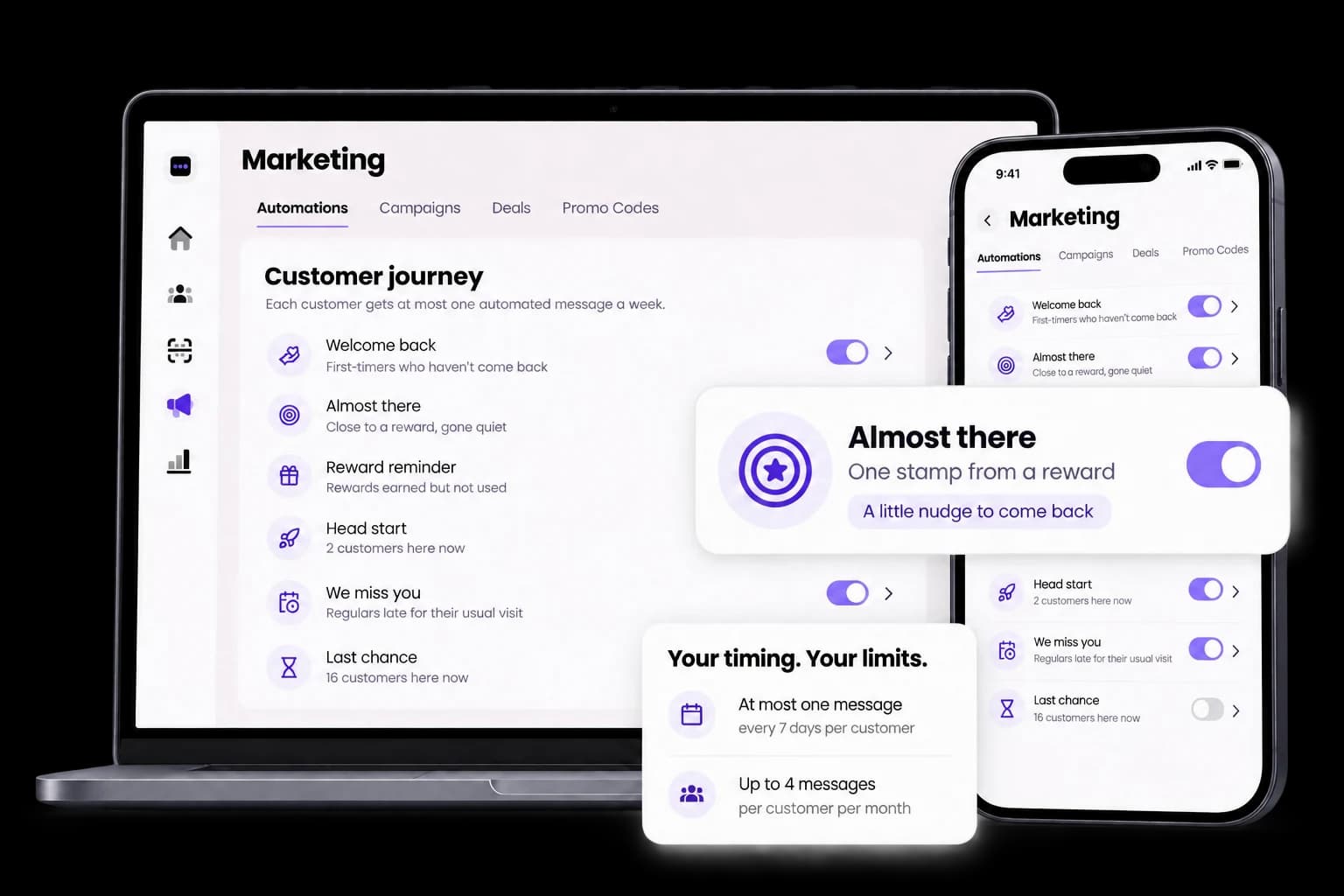
Welcome back
Sends when someone who visited once hasn't come back after a few days.
Almost there
Sends when a customer is close to their reward but hasn't been in for a while.
Reward reminder
Reminds a customer about a reward they earned and haven't used yet.
Head start
The morning after a customer uses their reward, their next card starts with free stamps.
We miss you
Sends when a regular is later than usual: twice their normal time between visits.
Last chance
One last try for customers who haven't been in for a long time.
Included on every plan. Use our ready-made messages or write your own. Add a gift if you like, such as free stamps or a free item, choose how often each customer hears from you, and pause any time.
Customers see each message in StampClub, and as an alert on their Apple Wallet or Google Wallet card if they added one. Alerts depend on their phone's settings.
Explore automationsMore than a digital stamp card
Campaigns, deals, insights and rewards, all from one dashboard.
See all featuresCampaigns
- An offer for the customers you pick
- Bonus stamps they claim with one tap
Deals
- Combos, new items and special prices
- Double stamps in your quiet hours
Insights
- Who comes back, who has gone quiet
- Which rewards get used
Rewards
- Unlock on their own when a card is full
- Your staff redeem them at the counter
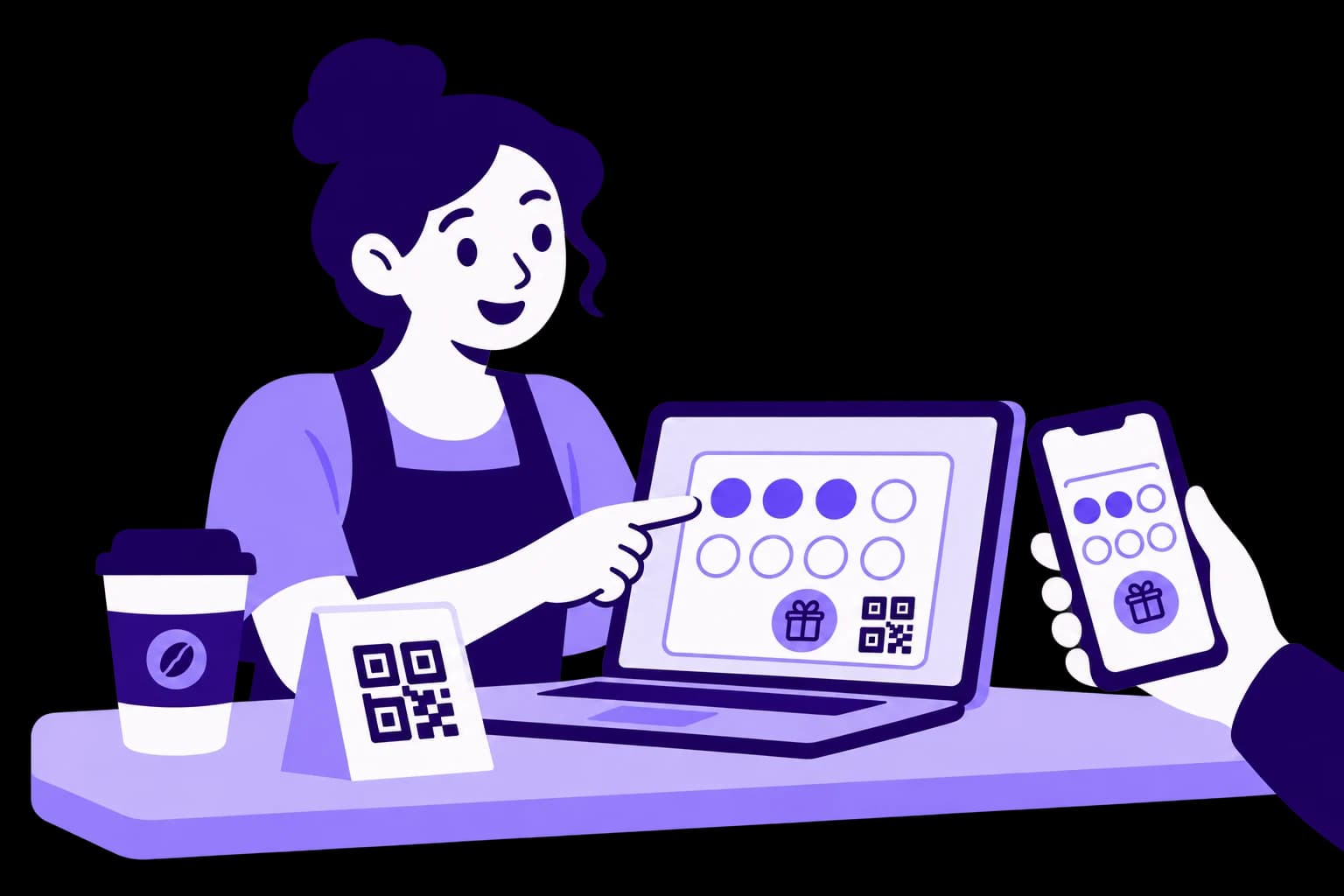
Why local businesses choose StampClub
- No app for customers to download
- Staff approve each stamp, or a kiosk does it for you
- No POS integration or special hardware
- Live in about five minutes
- Works in English, Spanish, Italian, German and Greek
- Apple Wallet and Google Wallet, if customers want them
- Export your customer list any time
- 30 days free, no card, cancel anytime
- Used by businesses in 30+ countries
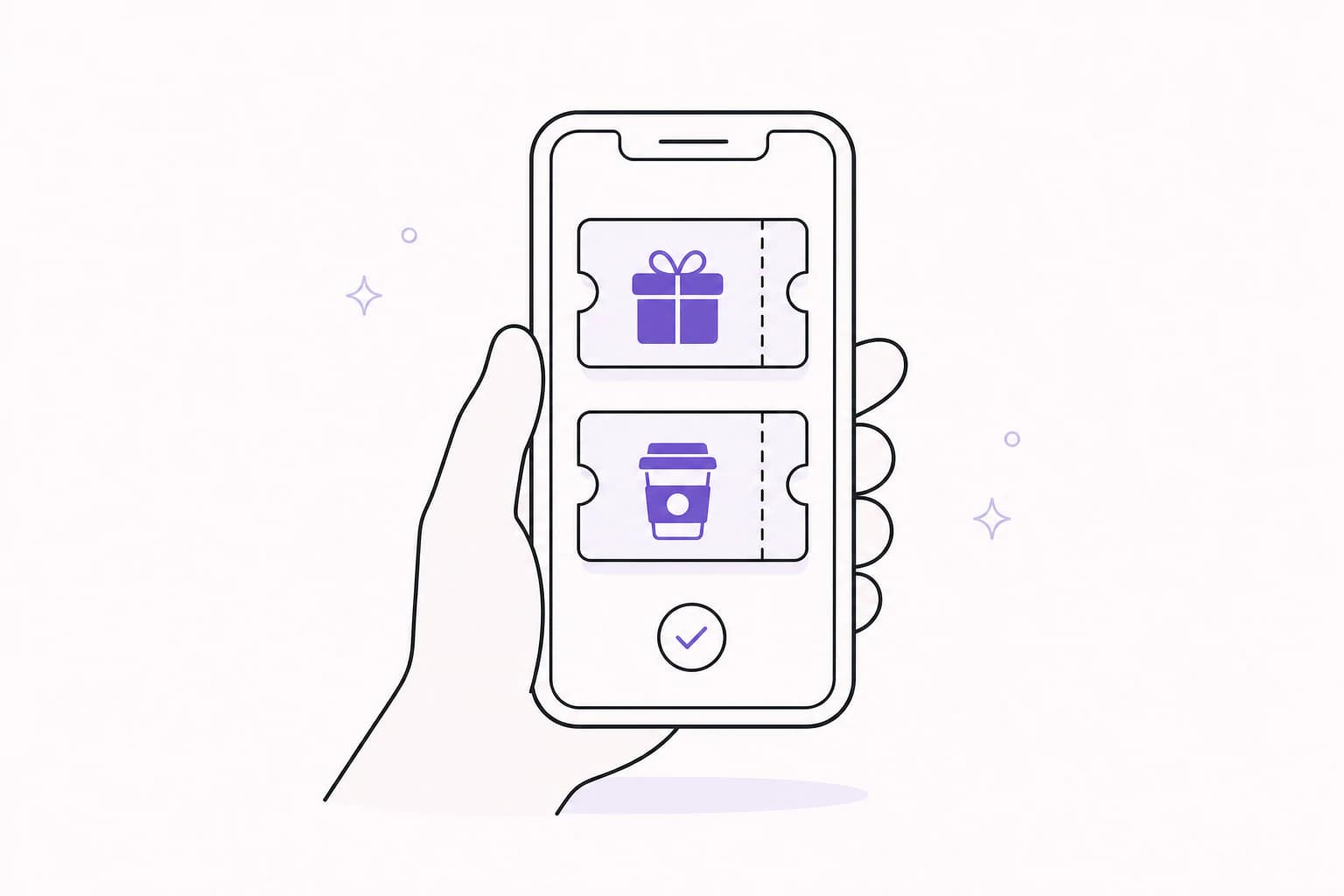
Apple Wallet and Google Wallet
Same card, one more place to keep it.
Customers join with one scan. If they like their phone's wallet, they can add the card to Apple Wallet or Google Wallet too.
- Joining, stamps and rewards work the same, no app needed.
- The wallet card shows their stamps and how close the reward is.
- Completely optional, for customers who like everything in one place.


Customers add the card from inside StampClub. The badges show what is supported.
Frequently asked questions
Still have a question? Contact us
What is a digital stamp card?
A digital stamp card is a modern replacement for paper punch cards. Instead of carrying physical cards, your customers collect stamps digitally on their phone. They scan a QR code, you approve, and the stamp is added instantly.
How do customers earn stamps?
Customers earn stamps by scanning your unique QR code when they make a purchase or visit your location. You then approve the stamp request from your dashboard in real-time. The whole process takes just 3-5 seconds.
What kind of rewards can I offer with a stamp card?
You can offer any reward that fits your business: free products, discounts, exclusive services, or special experiences. Popular rewards include free coffee, haircuts, meals, or percentage discounts on the next purchase.
Can I choose how many stamps are required to get a reward?
Yes, you have complete control. Set anywhere from 3 to 20+ stamps required for a reward. Most businesses find 5-10 stamps works best to balance customer engagement with reward frequency.
Can I design my stamp card to match my brand?
Absolutely. Customize your card with your brand colors, logo, and choose from various icon styles for your stamps. Your customers will see a card that matches your business identity.
Is this better than a physical punch card?
Yes. Digital cards can't be lost or forgotten, they prevent fraud (no self-punching), provide valuable customer analytics, and are environmentally friendly. Plus, customers always have their phone with them.
How long does it take to set up a stamp card?
About 5 minutes. Create your account, set up your reward rules, customize your card design, and you're ready to go. Print your QR code and start collecting customer loyalty immediately.
Can StampClub connect to my spreadsheet or other tools?
Yes. You can export your customer list as a spreadsheet on any plan. On the Growth plan you also get a private link that always returns your current member list, so Google Sheets or Excel stays up to date with one formula, and tools like Zapier or an event-booking system can check whether someone is already a member. A read-only API is included for anything more custom.
Can I track stamp card performance?
Yes. Your dashboard shows real-time analytics including total stamps issued, rewards redeemed, active customers, visit frequency, and customer retention rates. Make data-driven decisions to grow your business.
Start your digital stamp card today
Free for 30 days, no card needed. Setup takes about five minutes.