
Let customers stamp their own card.
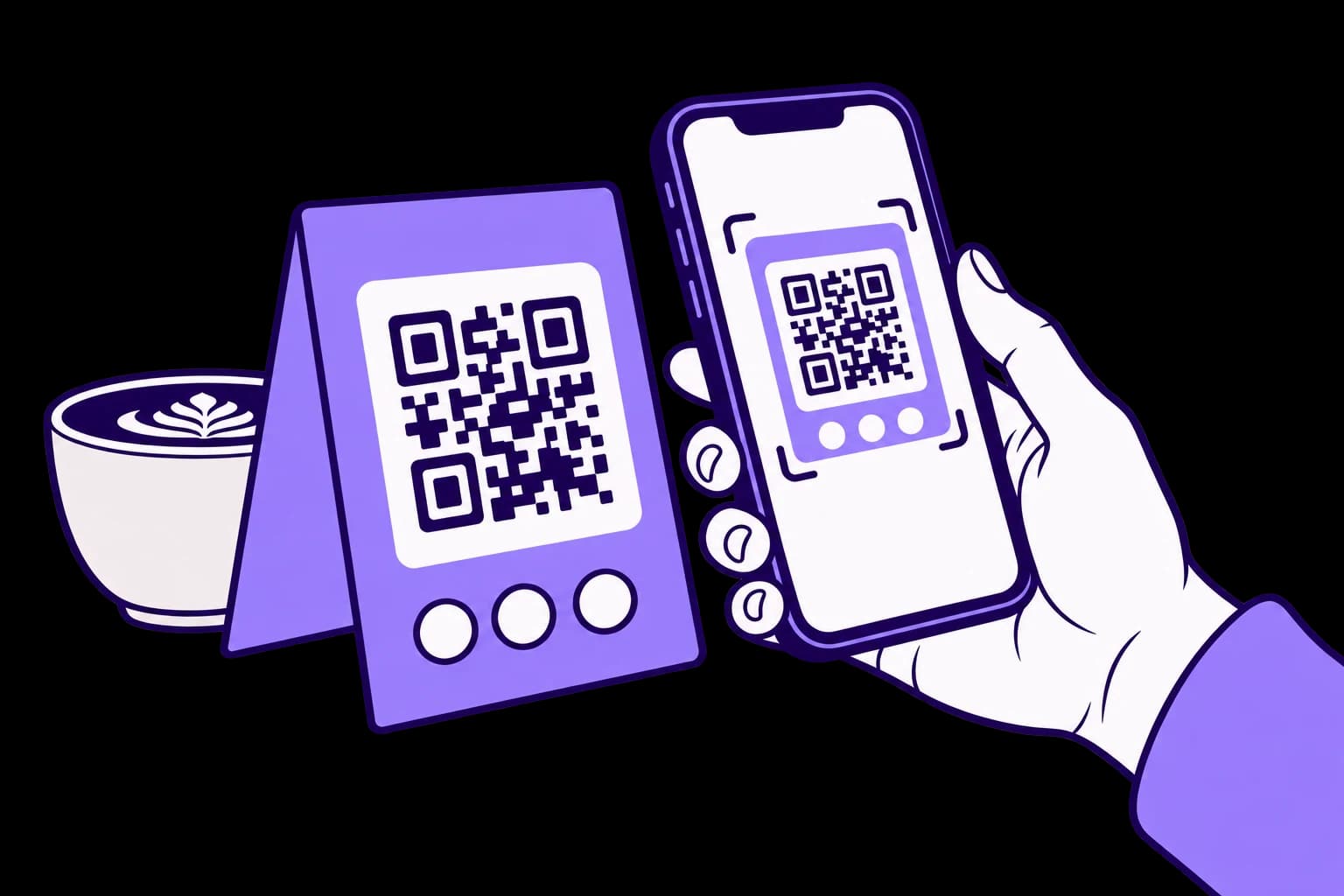
Put a tablet on the counter. Customers scan its QR code and collect a stamp within the limits you set, without waiting for your team.
30 days free. No payment card needed.
How it works
Pair a tablet
Open kiosk mode on the tablet and enter the pairing code from your dashboard.
Customers scan the screen
The QR code changes every 20 seconds, so a photo of it stops working within about a minute.
The stamp goes on
The customer gets one stamp, as long as enough time has passed since their last one.
The kiosk rules
- Every 20 seconds
QR code
The screen shows a new code every 20 seconds.
- 15 minutes to 4 hours
Wait between stamps
How long a card waits before it can get another stamp, from the kiosk or your counter.
- 1 to 10
Kiosk stamps per day
The most kiosk stamps one card can collect in a business day.
- Optional
Card scanner
A QR scanner on the tablet can read customer cards and Wallet passes.
- You choose
Customer names
Show the customer's first name on the screen after a stamp, or keep it private.
- 1 or up to 5
Tablets on your plan
One kiosk on Basic, or up to five on Growth.
Frequently asked questions
Do staff approve kiosk stamps?
No. The kiosk stamps on its own, within the limits you set. Use the counter flow when you want your team to approve every stamp.
Can someone collect a stamp from a photo of the screen?
The code changes every 20 seconds and soon stops working, so a photo sent to someone at home is already out of date.
What do customers need?
Just their phone. They scan the screen, then join or sign in in the browser, as they would at your counter.
Can I use the kiosk and the counter flow together?
Yes. The wait between stamps counts across both, so a customer can't collect twice for one visit.
Who can set up a kiosk?
The business owner. Kiosks are added and changed from the dashboard.
Your next regular starts with one visit.
Create your card, put the QR on your counter and approve your first stamp.
30 days free. No payment card needed.