
One scan at the counter. One stamp on their card.
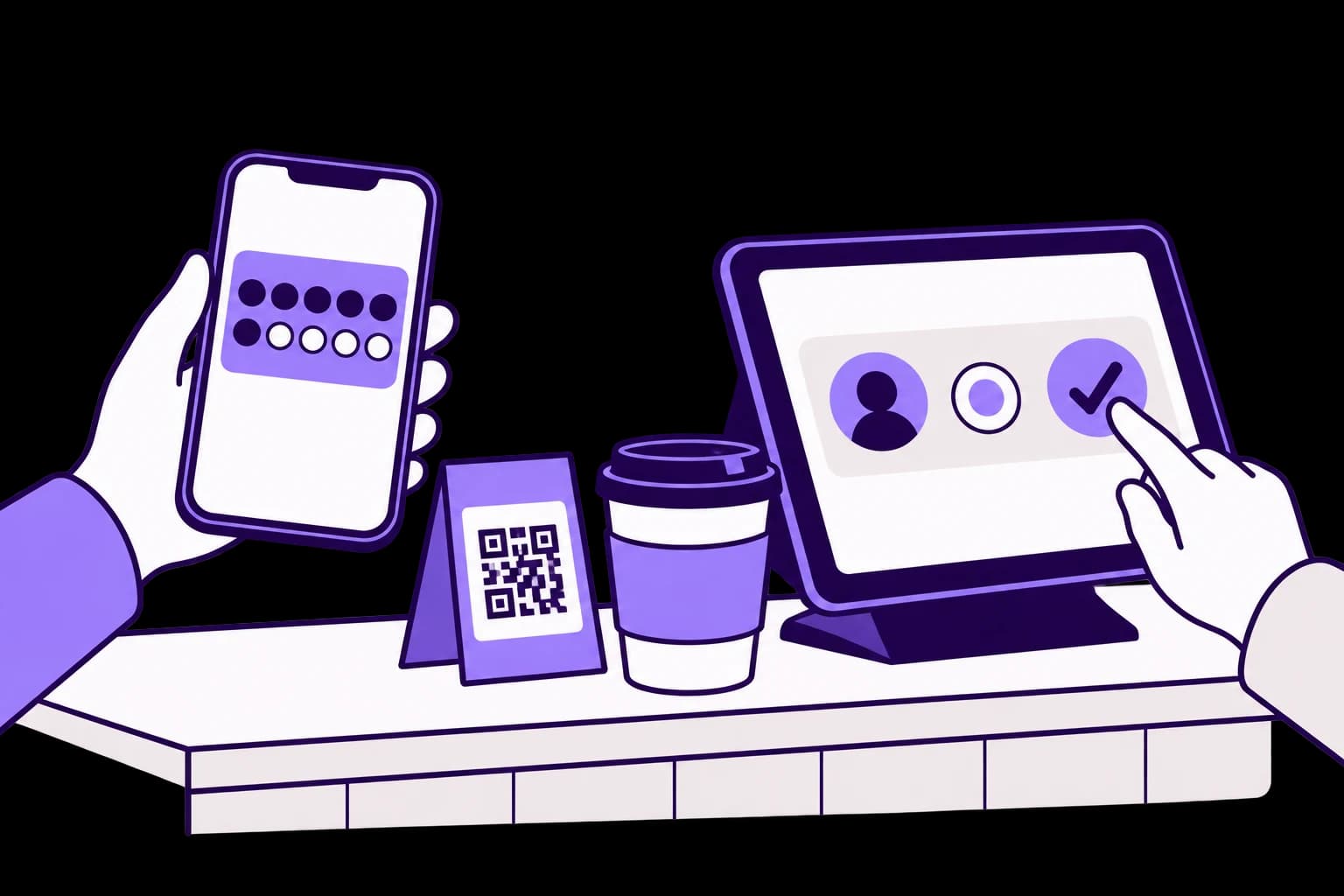
Customers scan your QR code with their phone camera. Your team sees the request and approves it, and the stamp lands on the card.
30 days free. No payment card needed.
How it works
Scan the QR
Customers point their phone camera at the QR on your counter. No app, just their browser.
Join or sign in
First-time customers join with their email or Google account. Regulars are already signed in.
Approve the request
The request appears on your team's phone, tablet or computer. They approve it, or decline it if the visit doesn't count.
See the stamp land
The card updates on the customer's phone as soon as the stamp is approved.
Ways to collect at the counter
- Staff approve
Customers scan your QR
The standard flow: a request your team approves or declines.
- Staff scan
Your team scans the customer
Customers show the code on their card or Wallet pass, and staff scan it with the dashboard or a USB or Bluetooth scanner.
- Per location
A QR for each location
Each location has its own QR, so you can see where every stamp was collected.
- You choose
Daily limits
Set the most stamps one customer can collect in a day.
- Optional
Self-service kiosk
A tablet on the counter that stamps without staff, within its own limits.
Frequently asked questions
Does scanning the QR add a stamp straight away?
In the counter flow, scanning sends a request and your team approves it, which keeps stamps tied to real visits. The kiosk works differently: it stamps on its own, within the limits you set.
What do my staff need?
Any phone, tablet or computer signed in to StampClub. You don't need a new till or special hardware.
What if two team members see the same request?
The first person to open it takes it, so the same request isn't approved twice.
Can customers collect stamps from home?
Not in the counter flow. A request only becomes a stamp when your team approves it.
Where do I get the QR poster?
Your dashboard has a poster designer. Pick a layout, add your logo and print it for the counter.
Your next regular starts with one visit.
Create your card, put the QR on your counter and approve your first stamp.
30 days free. No payment card needed.