
The right access for everyone on your team.
Invite staff with a link, give them a role and the locations they work at, and decide what each person can do.
30 days free. No payment card needed.
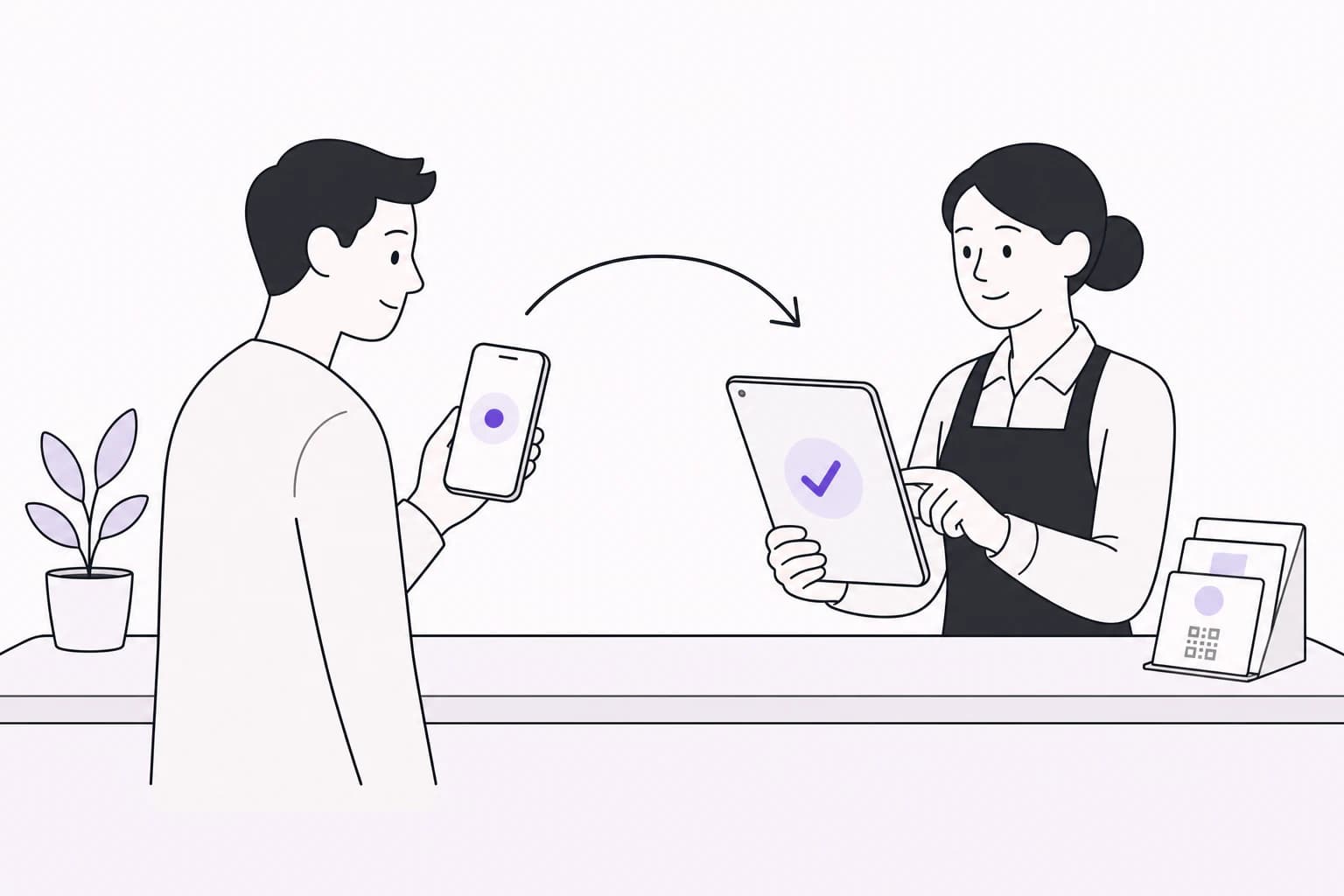
How it works
Send an invite
Create an invite link with a role and the locations the person works at.
They join
Your team member opens the link, signs in and lands in your dashboard.
Adjust any time
Change permissions, move someone to another location or remove their access.
What you can control
- 3 roles
Roles
Manager, staff or viewer, each with its own starting permissions.
- You choose
Stamps
Who can approve stamps at the counter.
- Off by default
Manual adjustments
Who can add or remove stamps by hand, with optional daily limits.
- You choose
Marketing
Who can send campaigns and manage promo codes.
- You choose
Customers and analytics
Who can see customer details, edit them and see your numbers.
- Per person
Locations
Which locations each person works at.
Frequently asked questions
How do I add a team member?
Create an invite link in your dashboard and send it to them. They open it, sign in and join your business.
Can a team member work at more than one location?
Yes. Choose every location they work at.
Can I see who approved a stamp?
Yes. Your approval history shows who approved each stamp and when.
What happens when someone leaves?
Remove them from your team and their access ends straight away.
Can staff change my loyalty card?
Only if you allow it. Editing the card is a separate permission.
Your next regular starts with one visit.
Create your card, put the QR on your counter and approve your first stamp.
30 days free. No payment card needed.