
Loyalty on any phone. Nothing to download.
Customers scan your QR and the card opens in their browser. They can add StampClub to their home screen and open it like an app.
30 days free. No payment card needed.
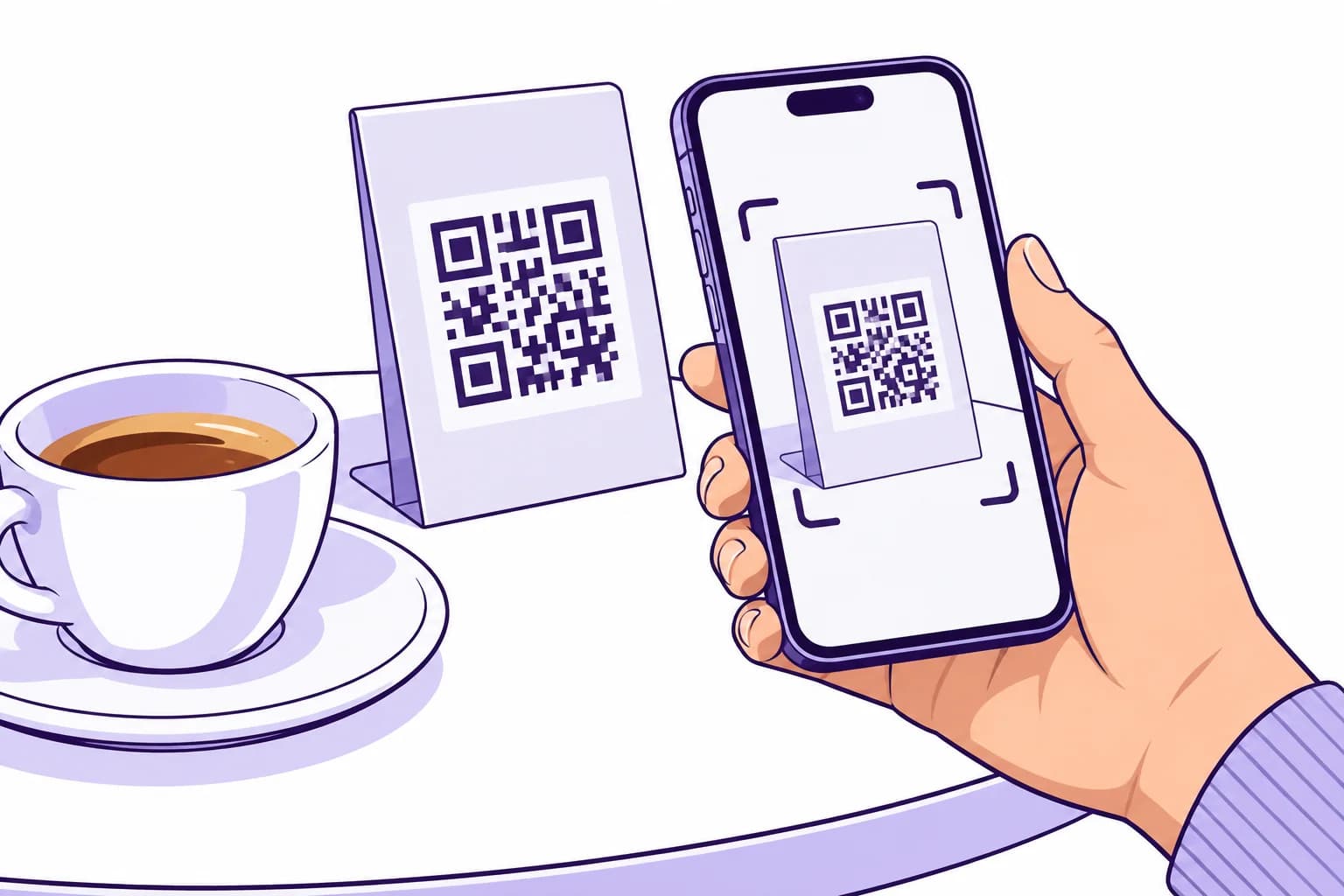
How it works
Scan
The phone camera opens your card in the browser, on iPhone or Android.
Join once
Customers join with their email or Google account, so their stamps are saved.
Come back to it
They can add StampClub to the home screen, or open it from any browser.
What customers get
- Browser
No download
The card runs in Safari, Chrome and other phone browsers.
- Optional
Home screen
Customers can add StampClub to their home screen and open it like an app.
- One account
Every card in one place
Cards from every StampClub business they visit sit together in one account.
- 5 languages
Their language
StampClub shows in English, Spanish, Italian, German or Greek, following the phone's language.
- Optional
Wallet passes
They can also keep your card in Apple Wallet or Google Wallet.
Frequently asked questions
Do customers need an account?
Yes. They join once with their email or Google account, so their stamps and rewards are saved and they can sign in on any phone.
Does it work on iPhone and Android?
Yes. StampClub works in the browser on both.
Will customers get notifications?
Messages from you appear inside StampClub. If a customer keeps your card in Apple Wallet or Google Wallet, the pass updates too, and any alert depends on their phone's settings.
Is StampClub free for customers?
Yes. Customers never pay to use StampClub. You set the stamps and the rewards.
What if a customer deletes the home screen icon?
Nothing is lost. They open StampClub in the browser and sign in.
Your next regular starts with one visit.
Create your card, put the QR on your counter and approve your first stamp.
30 days free. No payment card needed.