
Your loyalty card in their phone's wallet.
Customers join in their browser, then add your card to Apple Wallet or Google Wallet if they want it handy. The pass updates itself after every stamp.
30 days free. No payment card needed.
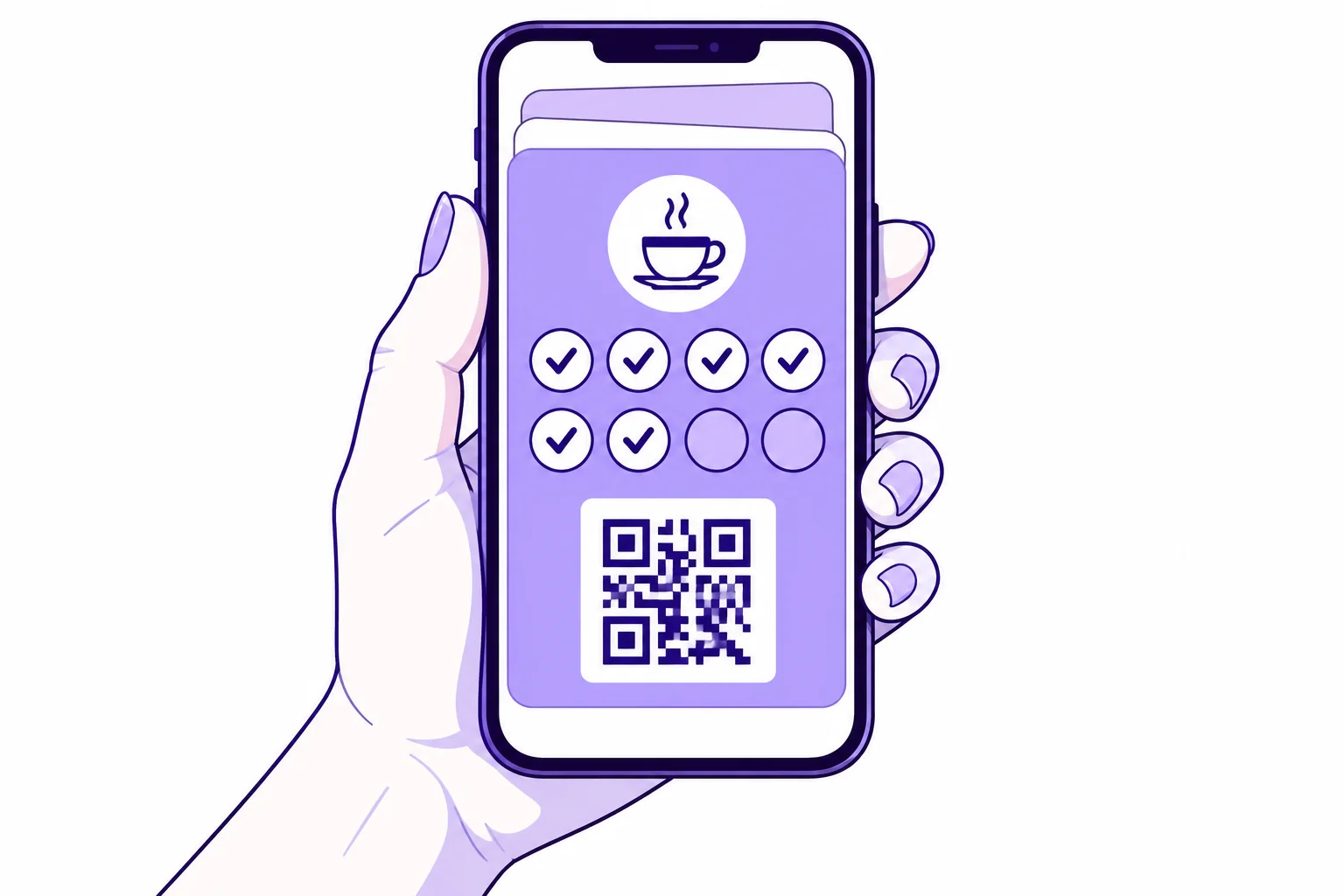
How customers add it
They open your card in StampClub
StampClub also offers the pass right after they join.
They tap Add to Wallet
The Apple button shows on Apple devices. The Google button works on Android and in any browser signed in to Google.
They confirm on their phone
From then on, the pass updates by itself when a stamp is approved or a reward is ready.
What's on the pass
- From your card
Your brand
Business name, logo and card colours
- Updates itself
Progress
Stamps collected and how many the reward needs
- Updates itself
Rewards
The reward they're working towards, and any ready to use
- On the front
QR code
Staff scan it at the counter
- Up to 180 characters
Messages
A short note you send with a campaign
- Every plan
Cost
Wallet passes are included
Frequently asked questions
Is Wallet required?
No. Customers can keep using their card in StampClub in the browser. The pass is an extra for people who like everything in their wallet.
Do customers still need an account?
Yes. They join or sign in to StampClub first, and the pass is built from that card. Their stamps and rewards stay in their account even if they delete the pass.
Will messages show on the lock screen?
On iPhone, a message you send to the Wallet channel can show on the lock screen. Customers can turn off notifications for the pass in Apple Wallet.
What if a customer changes phone?
They sign in to StampClub on the new phone and add the pass again. Their stamps and rewards are kept in their account.
Do I need to set anything up?
No. Wallet passes are set up once for the whole platform. If the Add to Wallet button shows for your customers, it's ready.
What if I run more than one card?
Each card is its own pass, so a customer who collects on two of your cards adds each one.
Your next regular starts with one visit.
Create your card, put the QR on your counter and approve your first stamp.
30 days free. No payment card needed.